
Search Logan Police Records
Logan Police Records are easiest to find when you start with the city police department's own request pages. Logan keeps the request path local, which helps when you need a report, a recording, or a copy tied to a specific incident. The city also gives you an FAQ page and a portal, so you can match the record type before you send anything. If you only know part of the story, that is still enough to begin. The key is using the Logan office that actually handles the file and then following the city process from there.
Logan Police Records Quick Facts
How to Request Logan Police Records
The main entry point is the city's Request a Record page. Logan says requests are processed under GRAMA, and the city gives the public an online path for asking for police records. That matters because it keeps the request with the office that handles the file. If you need an incident report, a recording, or another police record, the city page is the cleanest starting point. It also helps you see which request type fits your situation before you spend time on the wrong form.
Logan's FAQ page adds the details people usually need after they reach the request page. It says copies of police reports can be requested online or at the police department, and that the records clerk will call for payment after the request is processed. That is useful because it tells you the request may move first and the payment step may come later. The same FAQ also confirms the processing window and the fee structure for common records, so you are not left guessing about the next step.
The Logan request page at loganutah.gov/government/departments/police/request_a_record.php is shown below because it is the main city route for police records requests.
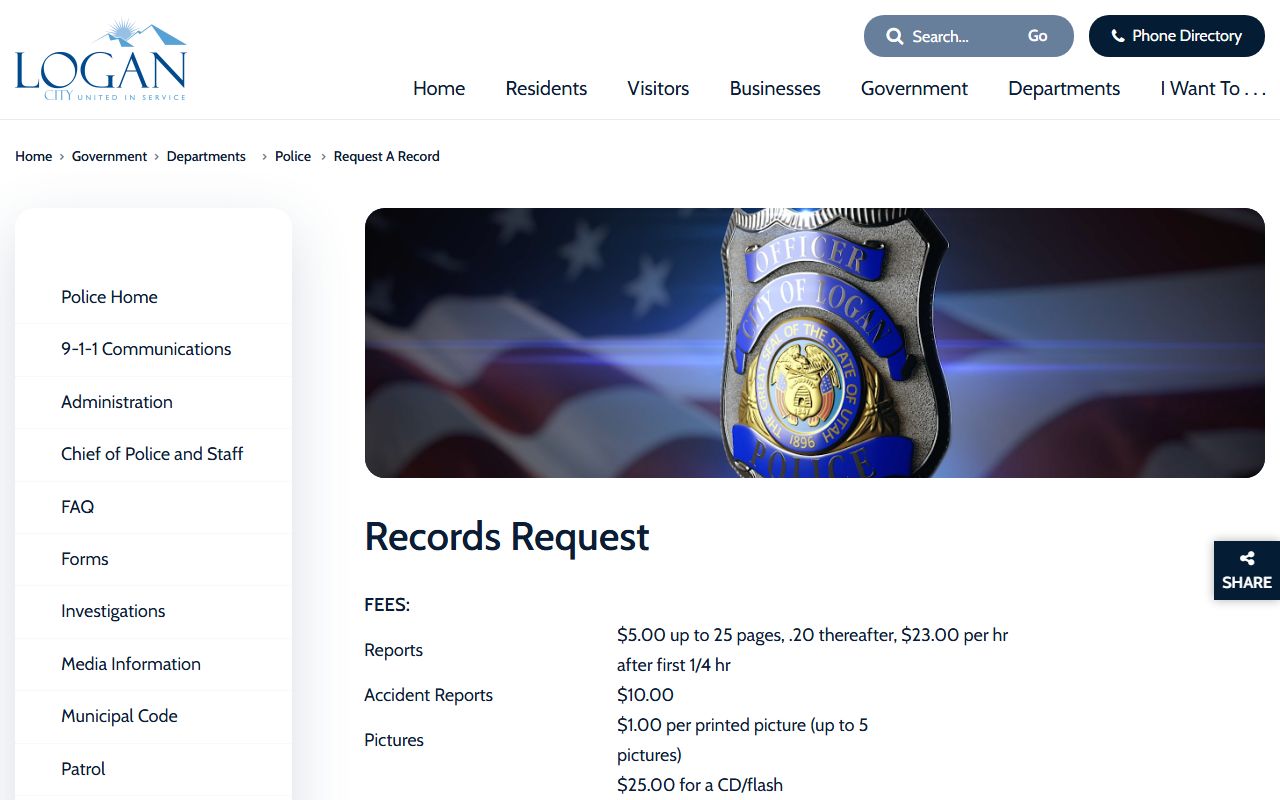
That page is the best local starting point when you need Logan to locate a report or prepare a copy for release.
The FAQ page at loganutah.gov/government/departments/police/faq.php is shown next because it explains the request timing, report fees, and where to ask about fines or fingerprints.
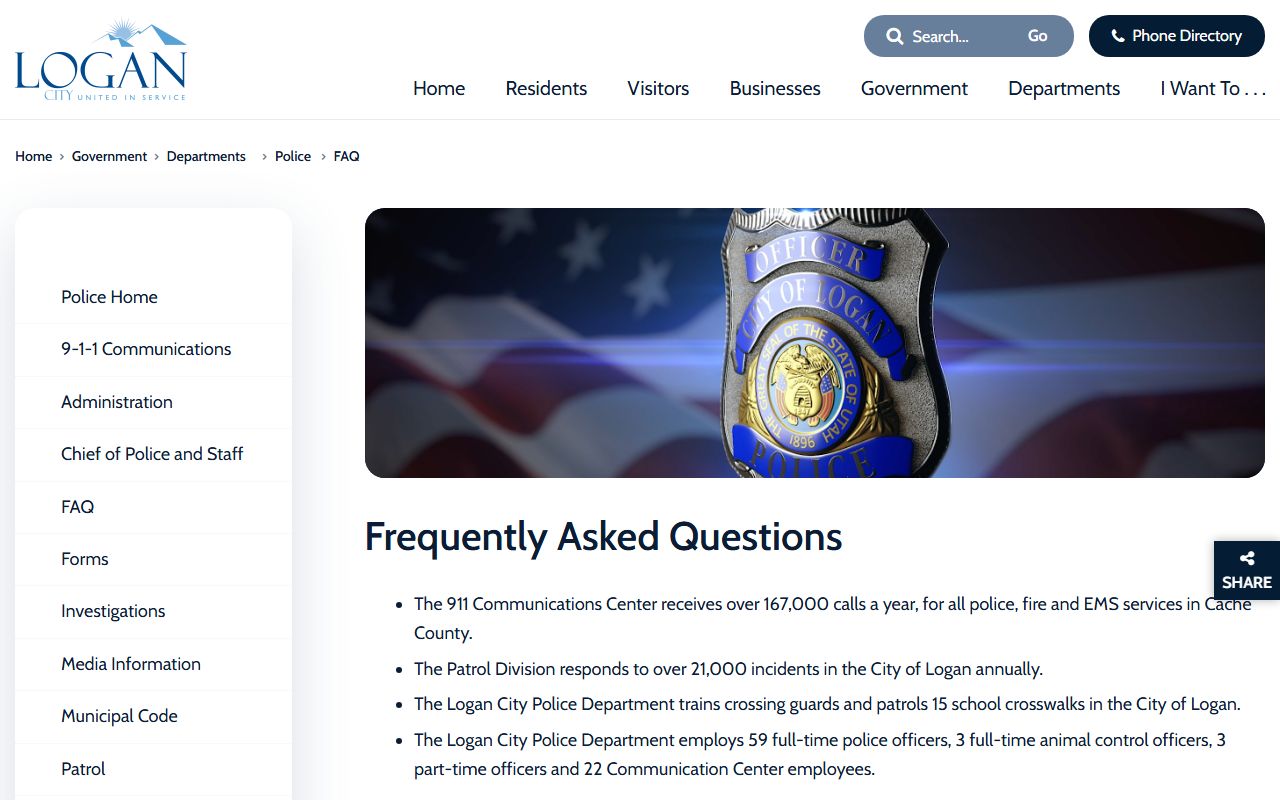
That FAQ is the right companion page when you want the practical details after you have identified the record type.
Logan Police Records Fees and Processing
Logan's FAQ says police reports are processed under GRAMA and can take up to 10 working days. The city also notes that the records may contain protected, private, or controlled information, so a release may not always arrive as a full, untouched copy. That is normal for police records. Some pages will be redacted, and some content may not be releasable at all if the record class does not allow it. The city also says the records clerk will call for payment after processing, which tells you the request and the payment step are separated.
For the common report fees, Logan lists incident reports at $5 for the first 25 pages, then $0.20 for each additional page. The same FAQ lists 9-1-1 recordings at $25 per CD or flash drive. Those prices matter because they tell you the city uses a simple tiered schedule instead of one flat rate for everything. A short report and a recording will not cost the same, so it helps to know which file you actually need before you submit the request.
The city also makes the non-emergency number public at (435) 753-7555. That is useful when you need to confirm a report, ask about a record, or check whether the file should be requested through the police office at all. If the record is a simple city file, the police department may answer quickly. If it has to be pulled and reviewed, the clerk will follow up after processing.
Use these details when you prepare a Logan request:
- A record description with dates, names, or a report number if you have one
- The request type, such as incident report or 9-1-1 recording
- A phone number so the records clerk can call after processing
- Payment ready for the fee that applies to the record you want
Logan Police Records and the Portal
Logan's portal is another official route for police records. It gives the city a place to collect requests and keep the process organized. That matters when a report has already been logged, because the portal helps you stay within the same request system rather than starting over through a different office. If you need the city to track the request, the portal is the place to do it. If you need to read the request instructions first, the FAQ page is the better companion. The two pages work together.
The portal at logan.nextrequest.com is the city's online records hub, and it is shown below because it is the most direct place to submit and follow a Logan police records request.
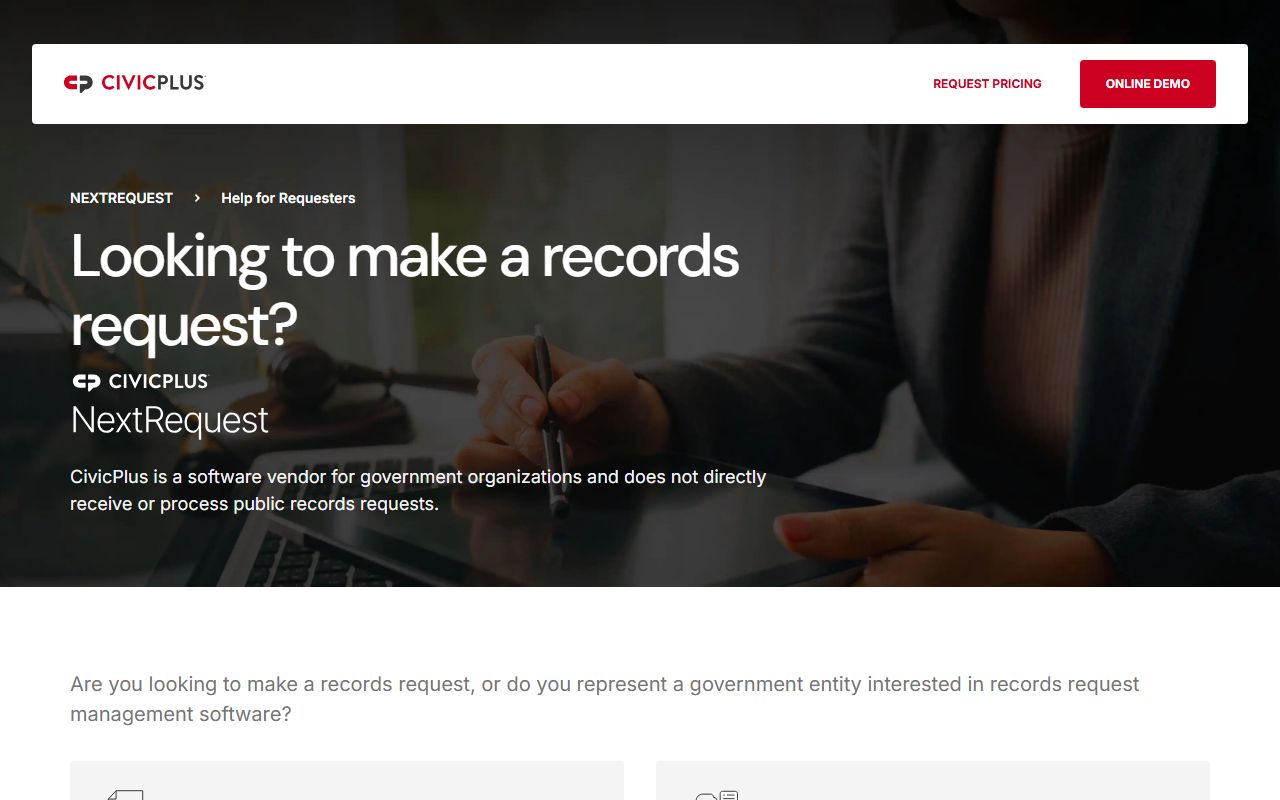
That portal is helpful when you want the request history in one place and need the city's process to stay visible as it moves forward.
Logan also notes that fingerprinting is performed at the Cache County Sheriff's Office or the USU Police Department. That is a useful reminder that not every police-related service stays inside the city police office. If the question is about fingerprints, the city FAQ points you to the other official offices that handle that step. Logan also says fines are paid through the Utah Courts Internet Payment System or Logan Municipal Justice Court, which helps separate police records from court payment issues.
When you need to follow a Logan matter beyond the city file, the official state pages are the next step. Utah GRAMA explains the record classes. Utah Courts helps when a record becomes part of a case. Utah State Archives is the follow-up source for older files. BCI criminal records is the state path when the question turns into a statewide criminal history search.
Logan Police Records and Utah GRAMA
Utah GRAMA controls how Logan Police Records are released. The law is what lets the city classify a record as public, private, protected, or controlled. That is why some reports come out with parts removed. It is also why a request can be approved in one case and limited in another. Logan's own pages reflect that structure by warning that the records may contain protected, private, or controlled information. The city is not being vague. It is following the state rule set.
That same rule set also explains why a request may take time. Up to 10 working days is normal under the city FAQ, and the records clerk may need to call after processing before payment is taken. If the file is linked to an active case, the city may need to wait on the record class before release. That is one reason the request should be specific. A tight request makes it easier to tell whether the file can be released now or needs more review first.
When the city file is not enough, the next step is usually a county or state office. In Logan, that often means Cache County because the county handles related sheriff records and jail information for the area. It can also mean a court or state office if the matter has moved beyond the city police desk. Keep the city request focused first, then follow the record trail as needed.
Cache County Handoff
Some Logan Police Records questions belong with Cache County instead of the city. That can happen when the incident happened outside city limits, when a jail or booking file is involved, or when you need the county side of a case. If Logan's pages do not have the file you need, the county page is the next official stop. It keeps the search local and reduces the chance that you spend time with the wrong office.
For Logan-area county records, use Cache County Police Records as the handoff point. The county page is the better place for sheriff-held records, and it gives you a broader view of the area around Logan without forcing you into unrelated state research first. That is the natural next step when the city report leads into a county event or a jail-related question.
Nearby Utah Cities
Nearby city pages can help if the report was created just outside Logan or if the case crosses into another city department.